What Is Live Video Monitoring? How 24/7 Remote Video Surveillance Works for Businesses
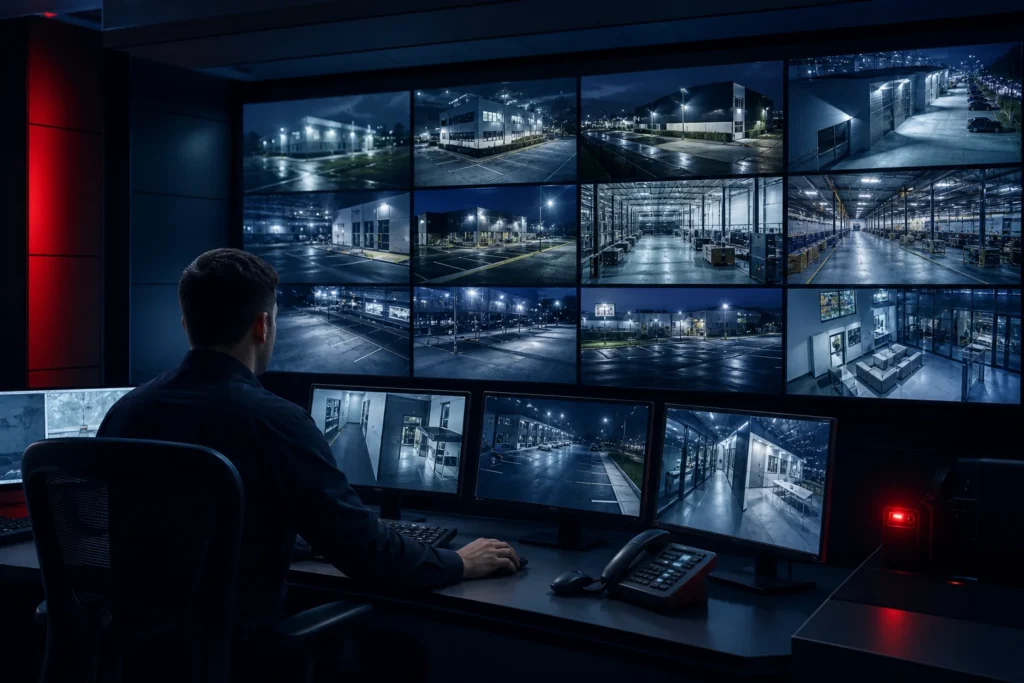
Short answer: Live video monitoring is a security service in which trained operators watch camera feeds, investigate activity, and take action while an event is happening. Unlike recorded CCTV review, live monitoring can use audio intervention, escalation procedures, and dispatch coordination to help stop a threat before it becomes a larger loss.
For businesses, live video monitoring combines existing security cameras with a trained human response team. Artificial intelligence can help filter routine motion and likely false alarms, while an operator verifies the situation and follows the site’s response plan.
What is live video monitoring?
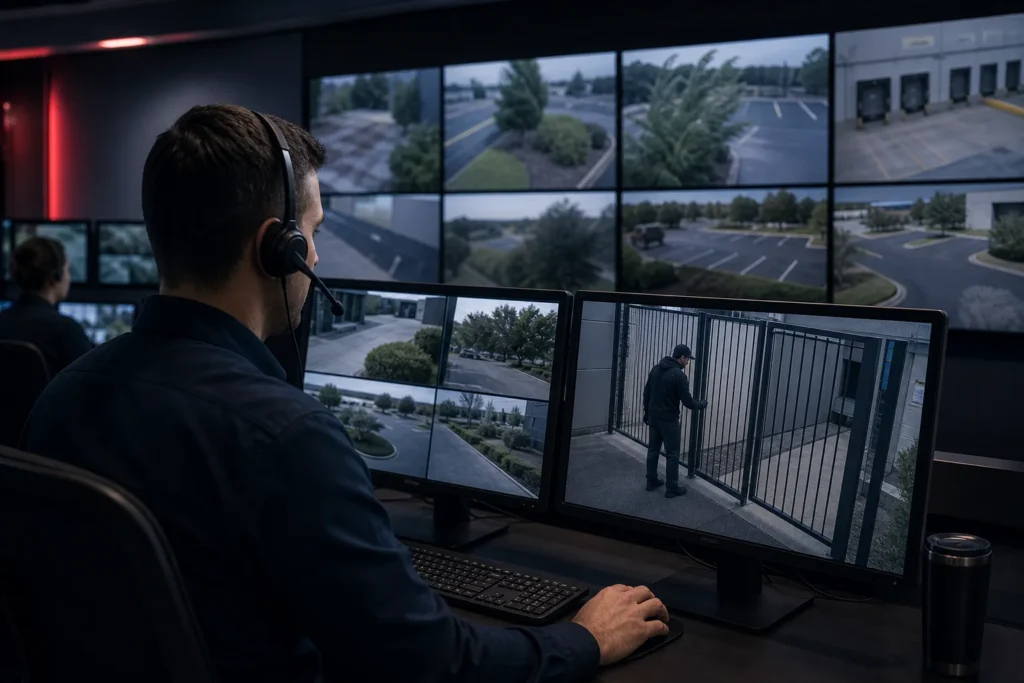
Live video monitoring is the continuous or scheduled review of live security camera feeds by trained remote operators. Operators look for people, vehicles, unsafe activity, trespassing, theft, vandalism, and other events that match the site’s rules. When they see a verified incident, they follow an agreed escalation path.
The service is different from simply giving a business remote access to its cameras. A camera records evidence. A live monitoring team watches for meaningful activity, verifies what is happening, documents the event, and can communicate or escalate in real time.
How does live video monitoring work?
1. Cameras send live video to a monitoring team
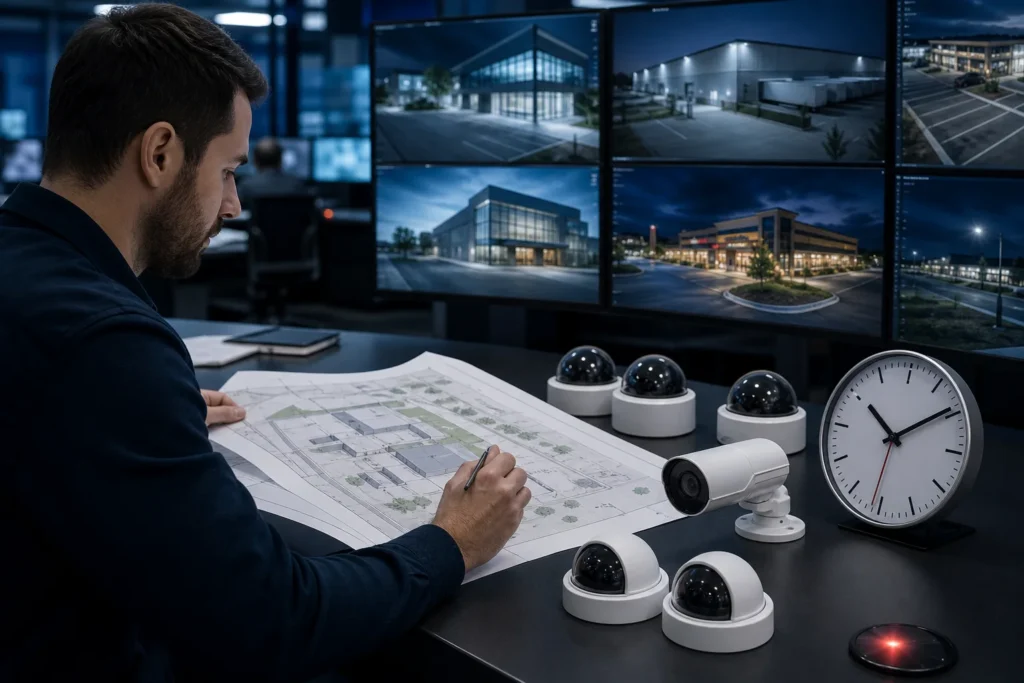
Existing IP cameras or newly installed cameras send live video to a secure monitoring platform. Coverage can be continuous, scheduled for higher-risk hours, or activated by an alarm, analytics rule, or customer request.
2. Video analytics help prioritize activity
Cloud video analytics can help identify people, vehicles, line crossings, loitering, and other patterns. Analytics should support the operator, not replace judgment. Weather, wildlife, shadows, and passing traffic still need context.
3. A trained operator verifies the event
The operator reviews the live feed and recent video to determine what is actually happening. Verification helps separate a real intrusion from harmless motion and gives the response team better information.
4. The operator intervenes or escalates
Depending on the response plan, the operator may issue a real-time audio warning, contact a designated security contact, coordinate with on-site personnel, or support emergency dispatch. The exact action should be agreed during onboarding.
5. The incident is documented
Good monitoring includes an incident record with the time, camera, activity observed, response taken, and outcome. Reporting helps security teams identify repeat problems and improve coverage.
Live video monitoring versus recorded CCTV review
| Capability | Recorded CCTV review | Live video monitoring |
|---|---|---|
| Detects activity while it happens | Usually no | Yes |
| Human verification during an event | After the fact | During the event |
| Real-time audio intervention | Usually no | Possible |
| Incident escalation | Delayed | Built into the response plan |
| Evidence and reporting | Available later | Created as the event is handled |
Which businesses use live video monitoring?
- Construction sites that need after-hours theft and trespass detection.
- Automotive dealerships with large outdoor vehicle inventories.
- Commercial buildings, parking lots, and shopping centers.
- Self-storage, industrial, and manufacturing facilities.
- Multi-family properties that need coverage across entrances, amenities, and parking areas.
- Security and monitoring companies that want to add capacity under their own brand.
What should you ask before choosing a monitoring provider?
- Are operators trained for the types of incidents your sites experience?
- Can the provider use your existing cameras and workflows?
- How are false alarms filtered and verified?
- What happens when an alert requires audio intervention or dispatch?
- Do you receive regular incident and activity reporting?
- Can coverage scale by camera count, site, and hours?
Frequently asked questions
Is live video monitoring the same as an alarm notification?
No. An alarm notification reports that a sensor or rule was triggered. Live video monitoring adds visual verification and a trained response process.
Can live monitoring use my existing cameras?
Often, yes. The provider should confirm camera compatibility, network access, image quality, field of view, and retention settings before onboarding.
Does live video monitoring replace every security guard?
Not always. Many businesses use a hybrid model, combining remote monitoring for broad coverage with on-site personnel for access control, customer contact, or physical response.
To explore a managed solution, visit Remote Video Monitoring or review the full range of monitoring services.